

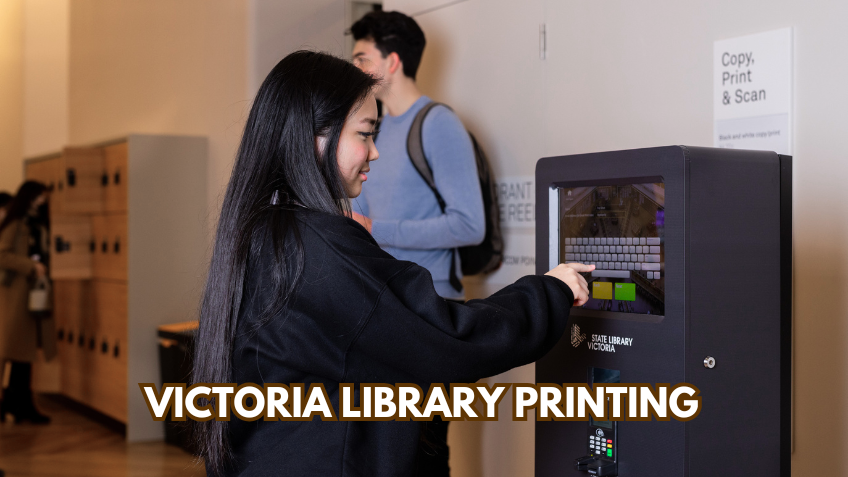
Victoria library printing refers to the public printing, scanning, and copying services offered by libraries across the Australian state of Victoria. In today’s digital world, libraries are no longer just about books. They have evolved into modern community hubs that provide technology services supporting students, professionals, families, and everyday residents.
Library printing services in Victoria allow people to access affordable and reliable printing solutions, especially if they do not have a printer at home or need high-quality output. From simple documents to complex reports, Victoria library printing makes printing convenient and accessible for everyone. (plv.org.au)
Across Victoria, from Melbourne’s major libraries to regional and rural branches, Victoria library printing provides a lifeline for study, work, documentation, and creative projects. These services are a key part of libraries’ efforts to serve the local community effectively.
Understanding Victoria Library Printing
Victoria library printing is part of the technology services offered by public libraries. It includes printing, scanning, and photocopying of documents from multiple sources. You can print from a USB stick, a laptop, a smartphone, or even upload your document online before visiting the library. (plv.org.au)
For students, Victoria library printing is essential when preparing assignments or research papers. Job seekers often use it to print resumes and cover letters. Small business owners may print invoices or proposals. Families can benefit by printing forms, tickets, or school projects. The best part is you do not need to worry about equipment maintenance, as the library’s printers take care of everything.
How Victoria Library Printing Works
If you haven’t used Victoria library printing before, it’s straightforward and user-friendly.
First, you need to become a library member. Most libraries require a free or low-cost library card to access printing services. This card gives you access to printing credits, online portals, and public computers. (yarracity.vic.gov.au)
Next, choose your file source. You can print directly from a library computer, from a USB drive, or from your personal device such as a laptop, tablet, or smartphone using web printing portals. (slv.vic.gov.au)
Then, upload or send your document. Many libraries provide an online “Web Print” portal, where you can upload files in advance and collect them later. Supported formats usually include PDF, Word, and image files. (gvrlc.vic.gov.au)
When you arrive at the library, visit the print station to release your job. Most systems keep your uploaded files in the queue for 24–72 hours before deleting them. (gvrlc.vic.gov.au)
Finally, collect and pay. Use your library card to log in and retrieve your prints. Fees are usually charged per page, with black-and-white printing being more affordable than colour. (monlib.vic.gov.au)
This process ensures both convenience and flexibility, whether printing a single page or a multi-page document. Victoria library printing provides reliable and efficient service for all users.
Printing Options in Victoria Libraries
Victoria’s libraries offer a wide range of printing options to meet diverse needs.
Black and White Printing is the most cost-effective option, suitable for essays, forms, and reports. (monlib.vic.gov.au)
Colour Printing is ideal for posters, presentations, photographs, and visual projects. This is especially useful for students and creative professionals. (monlib.vic.gov.au)
Paper Sizes are flexible. Most libraries provide A4 printing, and many offer A3 printing for larger projects. (stonnington.vic.gov.au)
Scanning Services allow users to scan documents to email or USB sticks, often at no cost. This helps in digitising important documents efficiently. (yarracity.vic.gov.au)
Photocopying is another service that allows quickly duplicating documents. (plv.org.au)
Victoria library printing offers these services at modest fees, making it more affordable than commercial print shops.
| Feature | Details |
|---|---|
| Name | Victoria Library Printing |
| Type | Public library printing, scanning, and photocopying service |
| Location | Victoria, Australia (Melbourne & regional libraries) |
| Services | Black & white printing, colour printing, scanning, photocopying, web/mobile printing |
| Accessibility | Available to library members; some guest access possible |
| Cost | Affordable per-page fees (e.g., ~$0.20 B/W, ~$1 Colour) |
| Target Users | Students, professionals, families, general public |
| Tech Support | Staff assistance available; Wi-Fi & public computers |
| File Formats | PDF, Word, common image formats |
| Pickup Options | In-library collection after upload via web/mobile portal |
| Website | plv.org.au |
Benefits of Victoria Library Printing
Library printing provides more than convenience; it promotes equitable access and community support.
Affordable Printing: Printing fees are modest. Black-and-white A4 pages often cost around 20 cents, while colour pages may cost about $1. (monlib.vic.gov.au)
Access for Everyone: Not everyone owns a printer at home. Libraries ensure that students, seniors, new immigrants, and job seekers can access Victoria library printing services.
Flexible Printing Methods: Web and mobile printing mean you can upload documents remotely and pick them up at the library, saving time and providing convenience. (yourlibrary.vic.gov.au)
Staff Assistance: Library staff are trained to help with printing, scanning, and document formatting. This ensures everyone, even those unfamiliar with technology, can use Victoria library printing successfully.
Extra Services: Many libraries offer Wi-Fi access, public computers, and specialized scanning for photos or archival materials. These features make libraries a complete technology hub. (slv.vic.gov.au)
Examples from Different Libraries
State Library Victoria (Melbourne) offers printing, copying, scanning, and photocopying from 10 am to 5:45 pm daily. You can print from library computers, USB drives, or via web print. (slv.vic.gov.au)
Goulburn Valley Libraries provide mobile printing: upload online and pick up prints at your chosen branch. Uploaded documents remain available for three days. (gvrlc.vic.gov.au)
Yarra Libraries offer wireless printing through an online portal or smartphone app. High-resolution scanning is available at dedicated stations. (yarracity.vic.gov.au)
Stonnington Libraries offer affordable black-and-white printing, approximately 20 cents per page, and free scanning. (stonnington.vic.gov.au)
These examples show how Victoria library printing adapts to different community needs.
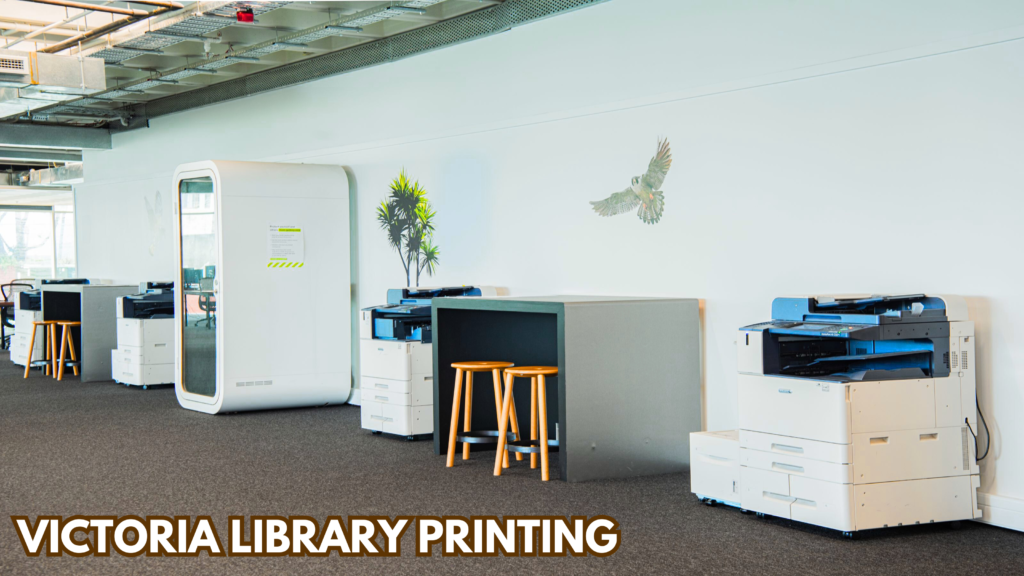
Who Can Use Victoria Library Printing
Library Members: Anyone with a valid library card can access printing services. Membership is usually free or low-cost. (yarracity.vic.gov.au)
Visitors: Some libraries provide temporary access for non-residents. Policies vary by branch.
Students and Professionals: Printing supports school assignments, university theses, resumes, business brochures, and more.
Families and General Public: Libraries cater to everyday needs such as printing forms, tickets, or worksheets for children. Victoria library printing serves all age groups efficiently.
Common Questions About Library Printing
Do I Need a Library Card?
Yes, most libraries require a card and PIN. Some provide temporary guest access. (yarracity.vic.gov.au)
How Do Charges Work?
Fees are typically per page. Black-and-white printing is cheaper than colour, and prices vary across libraries. (monlib.vic.gov.au)
Can I Print from My Phone?
Yes. Web and mobile printing support uploads from smartphones and tablets. (yourlibrary.vic.gov.au)
How Long Will My Print Job Stay?
Uploaded documents are usually held for 24–72 hours before deletion. (gvrlc.vic.gov.au)
Tips for Maximizing Victoria Library Printing
Plan Ahead: Upload documents in advance to save time at the library.
Know Accepted File Types: PDF, Word, and image formats are standard.
Check Fees: Review printing costs online or at the counter before printing.
Ask for Help: Library staff can assist with web and mobile printing, scanning, and troubleshooting.
Using these tips ensures you make the most of Victoria library printing services.
Final Thoughts
Victoria library printing is more than convenience; it is a community-focused service that empowers residents. Libraries provide affordable access to printing technology, flexible ways to upload documents, and professional-quality output for students, professionals, and families.
Whether printing a single page or a complete thesis, Victorian libraries make it simple, efficient, and accessible. If you haven’t used your local library’s printing services yet, now is the perfect time to explore the convenience, affordability, and support offered by Victoria library printing.
FAQs
Q: What is Victoria library printing?
A: It is a public service that lets you print, scan, and photocopy documents at libraries across Victoria.
Q: Who can use Victoria library printing?
A: Library members can use it, and some libraries allow temporary guest access.
Q: Can I print from my phone or laptop?
A: Yes, you can upload documents online or use mobile printing apps and collect them in the library.
Q: How much does printing cost?
A: Prices are affordable, usually around 20 cents per black-and-white page and $1 per colour page.
Q: What file types can I print?
A: Most libraries accept PDF, Word, and common image formats like JPEG and PNG.
